Laravel Session Expired – Complete Guide
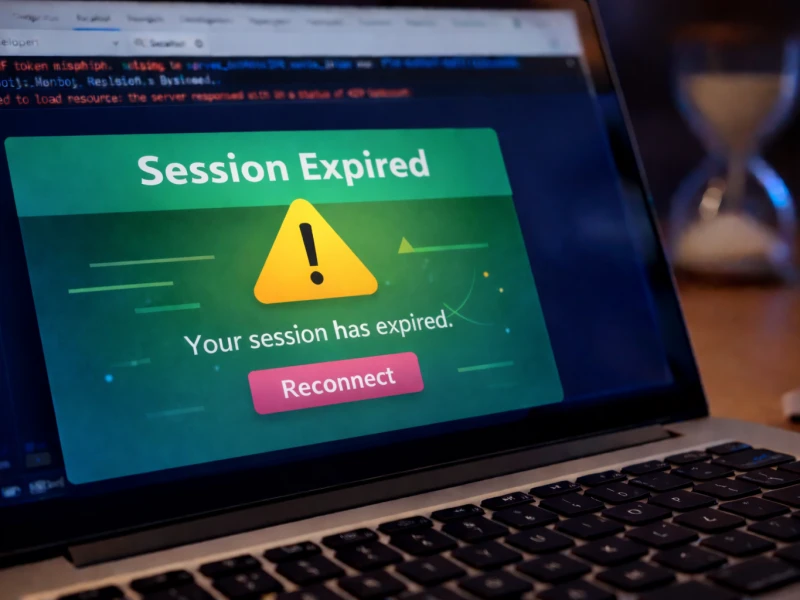
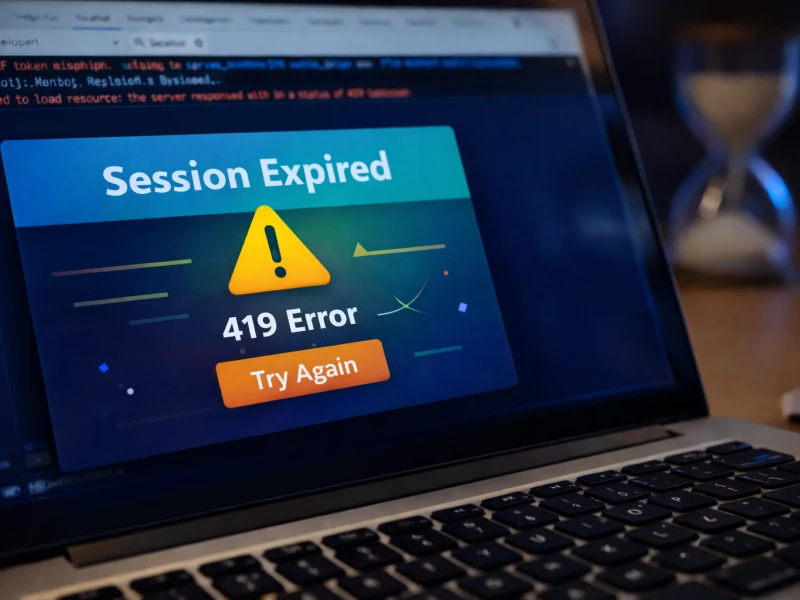
One of the most confusing moments for many developers happens when a Laravel application suddenly displays a message saying Session Expired or 419 Page Expired.
Everything appears normal. The page loads correctly, the form looks fine, and the user fills in all required information. But the moment the form is submitted, the application refuses the request.
This experience can feel frustrating, especially for developers who are still learning how Laravel manages authentication and security.
The reality is that Laravel intentionally blocks certain requests when the framework believes the request might not be safe. The session expired error is therefore not a failure of the framework. Instead, it is a protective mechanism designed to keep applications secure.
Developers often encounter this error when building login systems, dashboards, or contact forms. In some cases, it appears after deploying a project to a live server.
If you previously experienced a similar problem when submitting forms, you may also want to read How to Fix the 419 Page Expired Error in Laravel, which explains the connection between CSRF protection and form validation.
Understanding why Laravel sessions expire is the first step toward solving the problem permanently.
Why Laravel Sessions Expire During Form Submissions
Sessions exist so that a web application can remember information about a visitor while they move between pages. Without sessions, every request would appear to come from a completely new user.
Laravel stores session information temporarily so the application can track things such as authentication state, form tokens, and user preferences.
However, sessions are not meant to last forever. They expire automatically after a certain period of inactivity. This behavior is intentional because long-lasting sessions increase the risk of security vulnerabilities.
When a session expires, Laravel can no longer confirm that the request comes from the same user who originally opened the page. For this reason, the framework refuses the request and displays a session expiration message.
Developers frequently notice this issue when users leave a page open for a long time before submitting a form. The session may expire silently in the background, causing the submission to fail.
This problem can sometimes appear together with authentication issues. When authentication fails unexpectedly, developers may also encounter related errors like Laravel 403 Forbidden Error, which blocks unauthorized requests.
Understanding how Laravel sessions behave helps developers diagnose these situations much more quickly.
The Role of CSRF Protection in Session Errors
Another major reason behind session expiration errors involves Laravel’s built-in protection against malicious form submissions.
Modern web applications must protect themselves from attacks that attempt to submit requests without the user’s knowledge. Laravel prevents this by attaching a unique security token to every form.
When a form is submitted, Laravel compares the token in the request with the token stored in the session. If the tokens do not match, the request is rejected immediately.
This protection is extremely important because it prevents attackers from triggering actions such as password changes or account modifications without the user’s permission.
However, when sessions expire or become invalid, the stored token also becomes invalid. As a result, Laravel rejects the request even though the user may have filled out the form correctly.
Developers who encounter this behavior often believe that the form itself is broken, but the real cause lies in the session validation process.
Why Session Errors Often Appear After Deployment
Many developers first encounter session expiration errors immediately after deploying a Laravel project to a live server.
During local development, session behavior usually works smoothly because the environment is simple and predictable. Once the application moves to a hosting environment, however, new factors influence how sessions behave.
Hosting platforms often apply stricter security policies, different caching behavior, or alternative session storage mechanisms. These differences can cause sessions to behave differently than they did in development.
Developers sometimes notice that forms suddenly stop working even though the code has not changed. In other cases, authentication systems behave inconsistently after deployment.
These situations may occur alongside other deployment problems such as Vite Manifest Not Found in Laravel, which happens when assets fail to load correctly after moving a project to production.
Understanding how hosting environments affect Laravel applications is essential for diagnosing these problems effectively.
How to Prevent Session Expired Errors
Preventing session errors requires a combination of careful configuration and thorough testing.
Developers should always test form submissions, authentication flows, and dashboard interactions after deploying an application. This ensures that session handling behaves correctly in the production environment.
It is also important to verify that browsers accept cookies correctly because sessions depend on cookies to track users. If cookies are blocked or restricted, Laravel cannot maintain session data properly.
Another useful practice is testing how the application behaves after periods of inactivity. Leaving a form open and submitting it later can reveal session expiration problems that might otherwise go unnoticed.
Developers who follow these practices are far less likely to encounter session-related errors in production environments.
Conclusion
The Laravel session expired error may appear confusing at first, but it is ultimately a security feature designed to protect web applications from invalid or malicious requests.
By understanding how sessions, cookies, and CSRF tokens interact, developers can quickly determine why the error occurs and how to prevent it.
Instead of treating the session expiration message as a bug, developers can view it as a reminder of how seriously Laravel takes application security.





















Discussion 0